Workflow designer
Design real integrations
without hiding the logic.
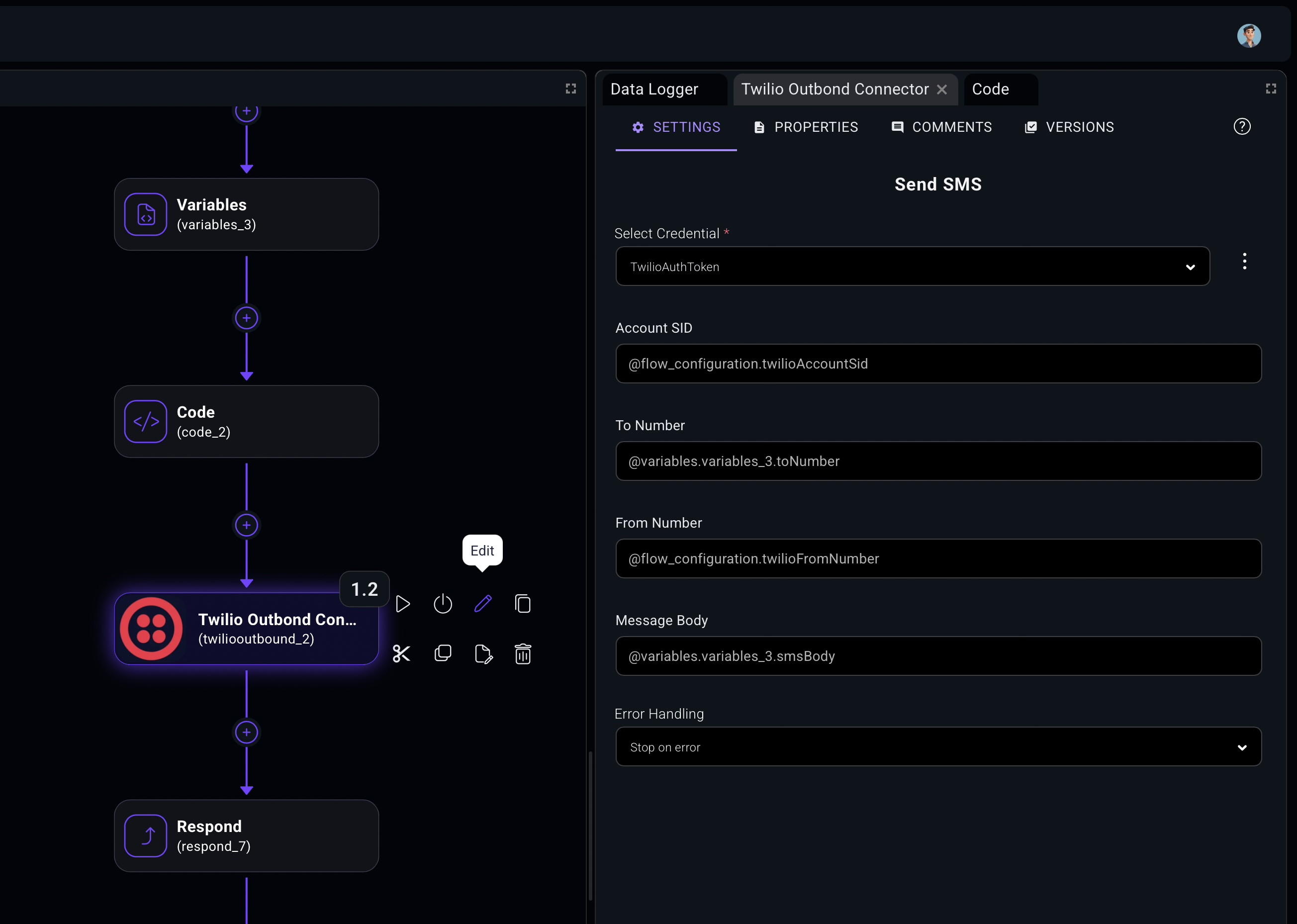
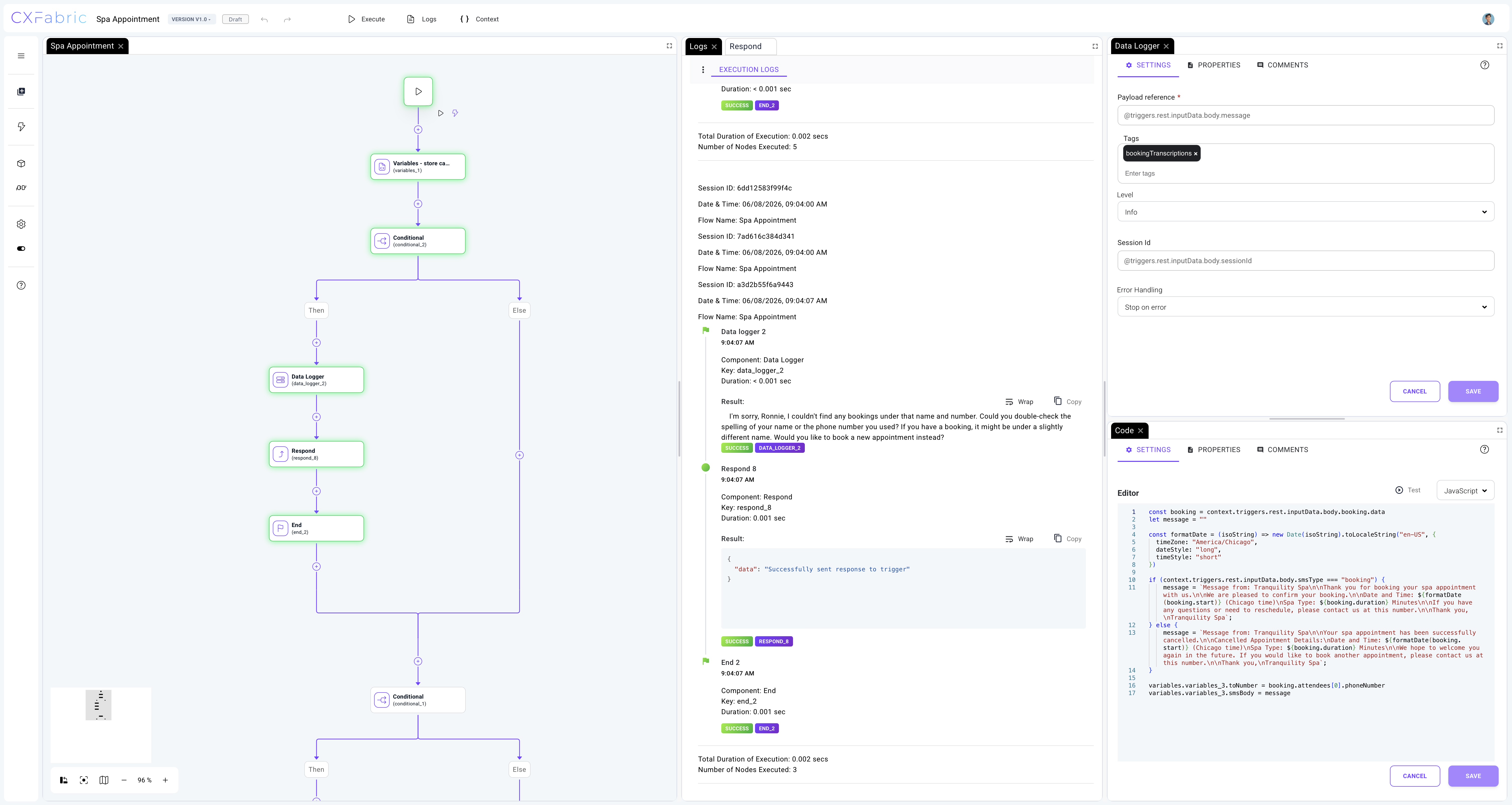
The CXFabric designer gives teams a visual workspace for building customer-owned automation. Teams can drag components onto a
canvas, connect the steps, configure each action, and keep the workflow logic visible from first draft through deployment.
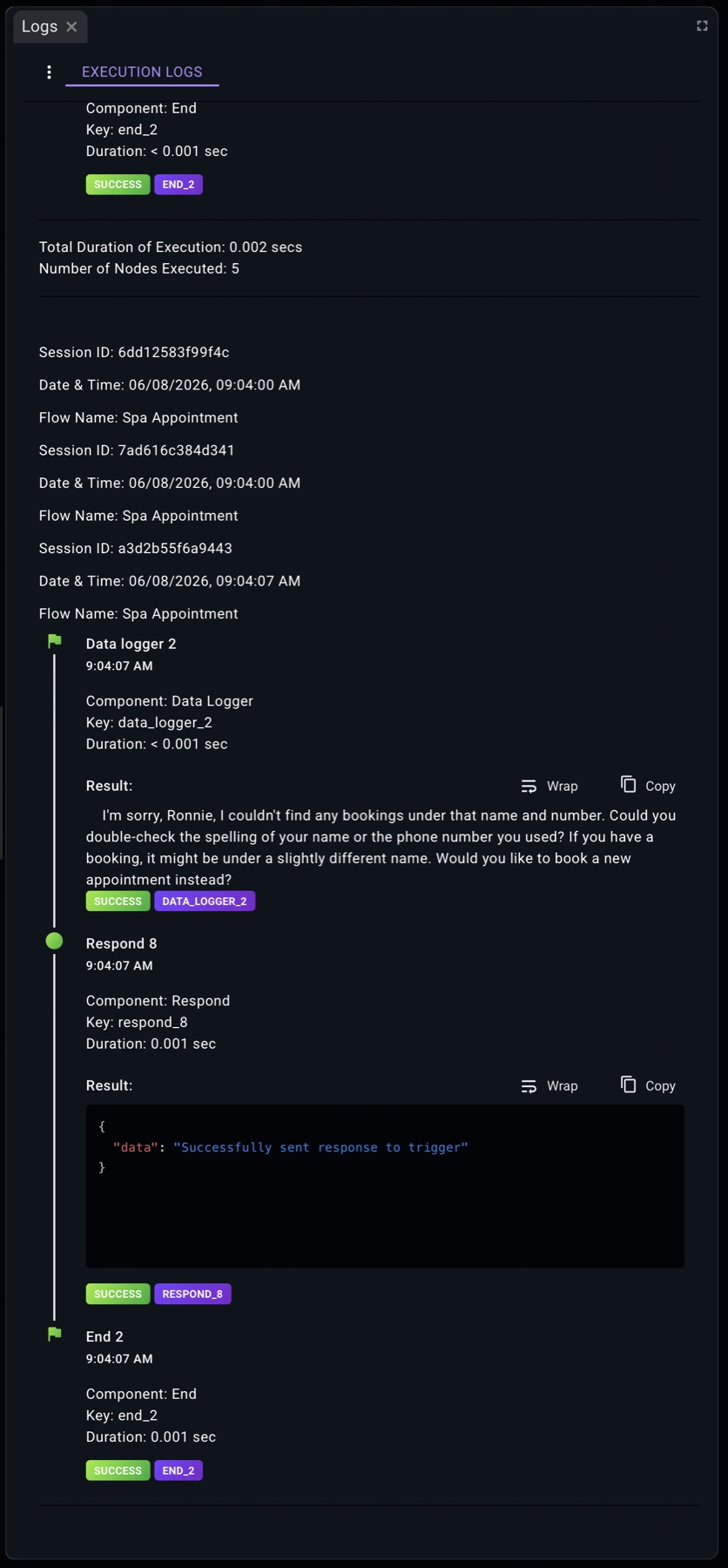
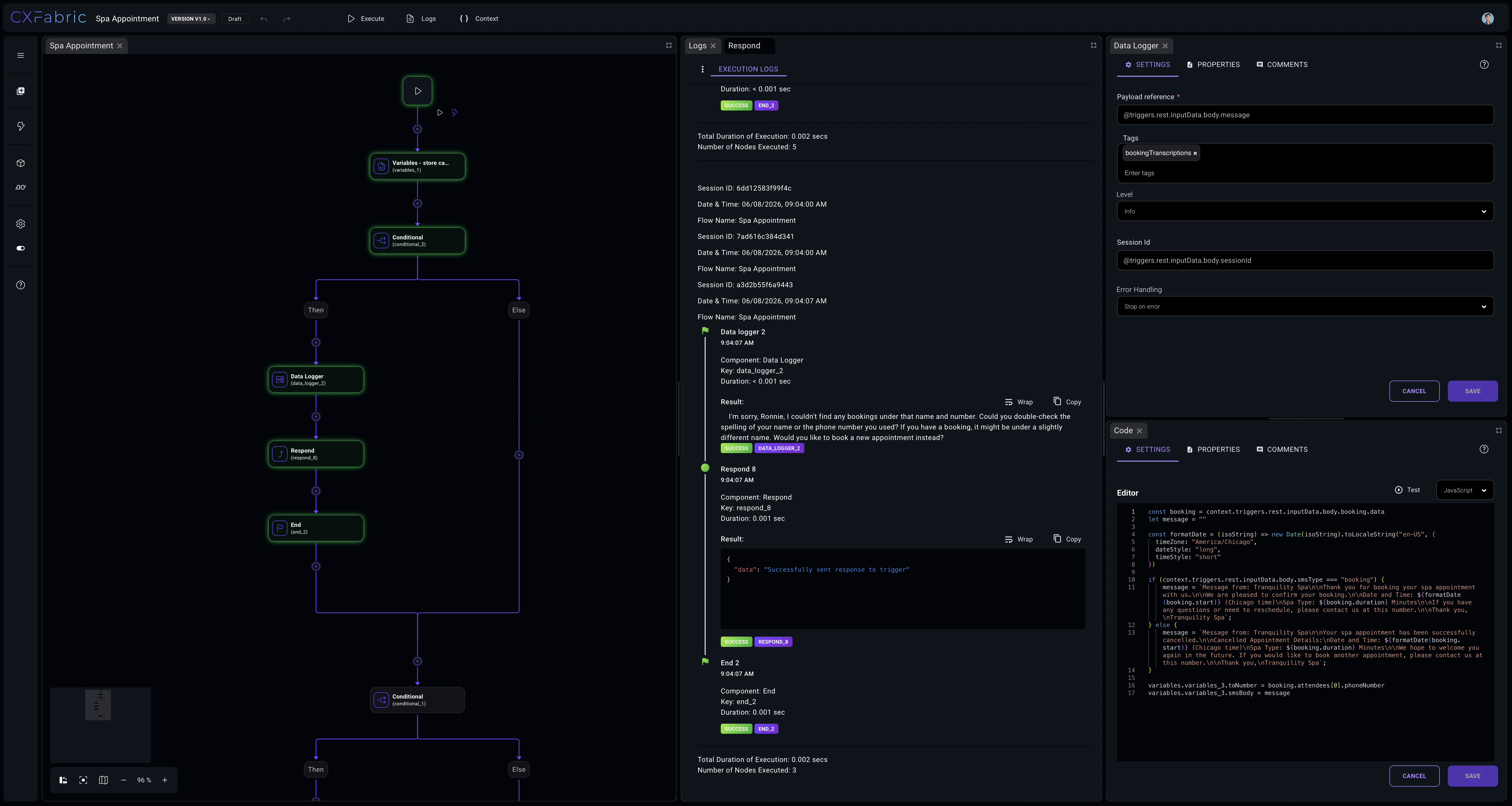
Builders can work visually, add connector actions, use built-in components, bring in custom code where needed, execute the
workflow, review logs, inspect context, and version the implementation before it moves into a customer environment.
Visual canvas
Step configuration
Preferences and widgets
Execute and inspect